Technology has become a regular part of school life. Assignments are shared online. Teachers upload study material. Parents expect updates on attendance and performance. Students want access to lessons from anywhere. Managing all of this without the right system quickly becomes difficult. That's where Learning Management Software comes in.
But here's the challenge. There are dozens of LMS platforms available today. Some focus on online learning. Others are built mainly for universities. Many include features schools may never actually use. Choosing the right platform isn't about buying the one with the longest feature list. It's about choosing something that actually works for the way your school runs, not just today, but as your needs change over the next few years.
No two schools manage things in the same way. At Jupsoft, we've built our solutions around the practical needs of schools, helping teachers and administrators handle everyday tasks more easily. This guide will help schools understand what to look for before investing in a School Learning Management System for the 2026–27 academic session.
Why Schools Need Learning Management Software Today
A few years ago, many schools viewed LMS platforms as optional. That's no longer the case. Learning now happens both inside and outside the classroom. Students revise lessons at home. Teachers upload assignments almost every day. Parents want updates without having to chase the school for information. The management team, meanwhile, needs reports that are accurate and easy to access.
Trying to handle all of this through emails, WhatsApp messages, spreadsheets, and paper files usually works until it doesn't. Someone misses an attachment. A message gets buried. A document ends up in the wrong folder. Small issues like these slowly start adding up.
Having everything in one place simply makes the school day easier. Teachers don't have to jump between different tools, students know exactly where to find their lessons, and parents have one place to check for updates. It keeps things organized without changing the way a school teaches.
Schools often find that the biggest challenge isn't adopting new technology—it's choosing a system that teachers, students, and administrators are comfortable using every day.
What Is a School Learning Management System?
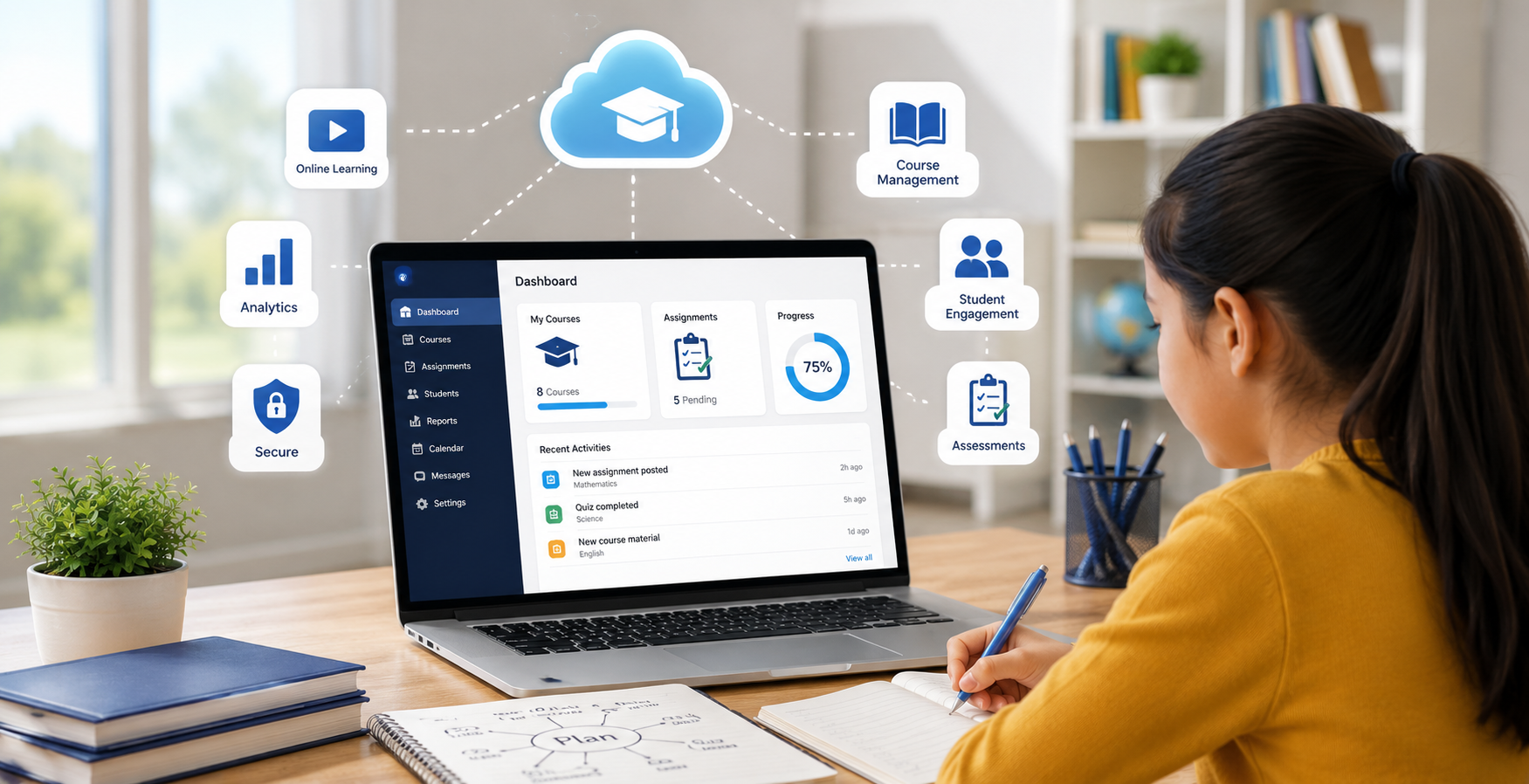
A School Learning Management System is software designed to manage teaching, learning, assessments, and classroom communication digitally.
It helps schools:
- Deliver online and classroom learning together
-
Share notes and study materials
-
Conduct quizzes and assignments
-
Track student progress
-
Monitor attendance
-
Improve collaboration between teachers, students, and parents
Unlike corporate LMS platforms, school-focused systems are designed around academic workflows rather than employee training.
Features Schools Should Prioritize in 2026–27
Every LMS promises powerful features. Not every feature will matter to your school. These are the ones worth paying attention to.
-
Simple and Easy-to-Use Interface
A platform should be easy enough for teachers, students, and parents to use from the start. If people struggle just to find their way around, it usually ends up creating more work instead of saving time.
-
Mobile Accessibility
Many students complete homework using smartphones. Teachers also check notifications, upload assignments, or review submissions while away from their desks. A responsive mobile experience isn't an extra feature anymore. It's expected.
-
Assignment and Assessment Management
Think about how much time teachers spend moving between different tools. One for assignments, another for quizzes, something else for grading. An LMS brings those everyday tasks together, which simply makes the day run more smoothly.
-
Attendance Tracking
Attendance remains one of the most frequently used school records. Modern Learning Management Software should make attendance simple while also generating reports that administrators can review whenever needed.
-
Progress Monitoring
Parents no longer want to wait until the end of the term to know how their child is performing. Report cards only tell part of the story. Teachers and parents often want to know how a student is doing before then. An LMS makes that easier by keeping attendance, assignments, and test scores in one place, so it's easier to notice if someone needs a little extra help.
-
Content Sharing
Teachers share all kinds of learning material during the school year. Instead of sending files through different apps, everything can stay in one place. Students know where to find their notes, worksheets, or presentations whenever they need them.
-
Communication Tools
There's always something happening in school. One day it's homework, the next it's an exam schedule or a holiday notice. Keeping these updates in one place makes it easier for parents, students, and teachers to stay on the same page.
Questions Every School Should Ask Before Buying
Not every LMS fits every institution. Before making a decision, school management should ask a few practical questions.
Will teachers actually use it?
The best software is the one people are comfortable using every day. Request demonstrations involving actual teachers rather than only administrative staff.
Can it grow with the school?
Schools expand. Student admissions increase. New classes are added. Look for a learning management software that can support future growth without requiring a complete replacement after a few years.
Does it integrate with existing school software?
Most schools already rely on different systems for everyday tasks. It helps when a new platform fits into that setup instead of forcing staff to manage everything separately.
How secure is student data?
Student records contain important information, so it's worth asking how that data is protected. Features like encrypted storage, secure logins, regular backups, and privacy controls are all worth checking before making a decision.
What Kind of Support Does the Vendor Provide?
Even after everything is set up, there will be times when someone needs help. Knowing that support is easy to reach can make the whole experience far less stressful for school staff.
Common Mistakes Schools Should Avoid
Many schools purchase software based only on attractive presentations. Later, problems appear. Some of the common mistakes are as follows:
-
Choosing software with unnecessary features
-
Ignoring teacher feedback during evaluation
-
Focusing only on price instead of long-term value
-
Overlooking mobile usability
-
Not checking customer support quality
-
Ignoring integration capabilities
-
Failing to test the software before purchasing
Taking a little extra time during evaluation usually prevents expensive changes later.
Preparing Your School for Successful LMS Adoption
Buying software is only the first step. Successful implementation depends on how well people use it. Schools should do the following steps:
- Train teachers before the academic session begins.
- Introduce students gradually.
- Inform parents about available features.
- Encourage regular usage rather than occasional login.
- Collect feedback during the first few months.
Small improvements based on real classroom experience often lead to much better long-term results.
Future-ready school management starts with Jupsoft.
Choosing the right Learning Management Software isn't simply a technology decision anymore. It's an investment in how a school teaches, communicates, and grows over the coming years.
The best platform isn't measured by the number of features it offers. It's about how well it supports your school every day. At Jupsoft, we focus on building solutions that are practical, easy to use, and ready to grow with your school.